Representative image

A practical guide to securing reliable internet for remote work in Vlorë. Learn about home fibre packages, mobile data backups, and verifying connections.





Is the internet in Vlorë reliable enough to sustain a demanding remote work schedule? Let's address the reality of staying connected along the Albanian coast. Many incoming professionals worry about dropped video calls from their seaside apartments. A listing might promise perfect connectivity near the Lungomare.
The reality on the ground requires a bit more preparation from you. Arriving without a solid backup strategy is a common mistake for newcomers. You do not want to miss an important client meeting during your first week. Remote workers must treat internet access as their most critical infrastructure piece.
A little proactive testing goes a long way toward securing a stress-free transition. Planning your tech setup before signing a lease saves you money and frustration. We always tell newcomers to prioritize their network stability over a nice view. You need a practical plan to keep your daily operations running smoothly.
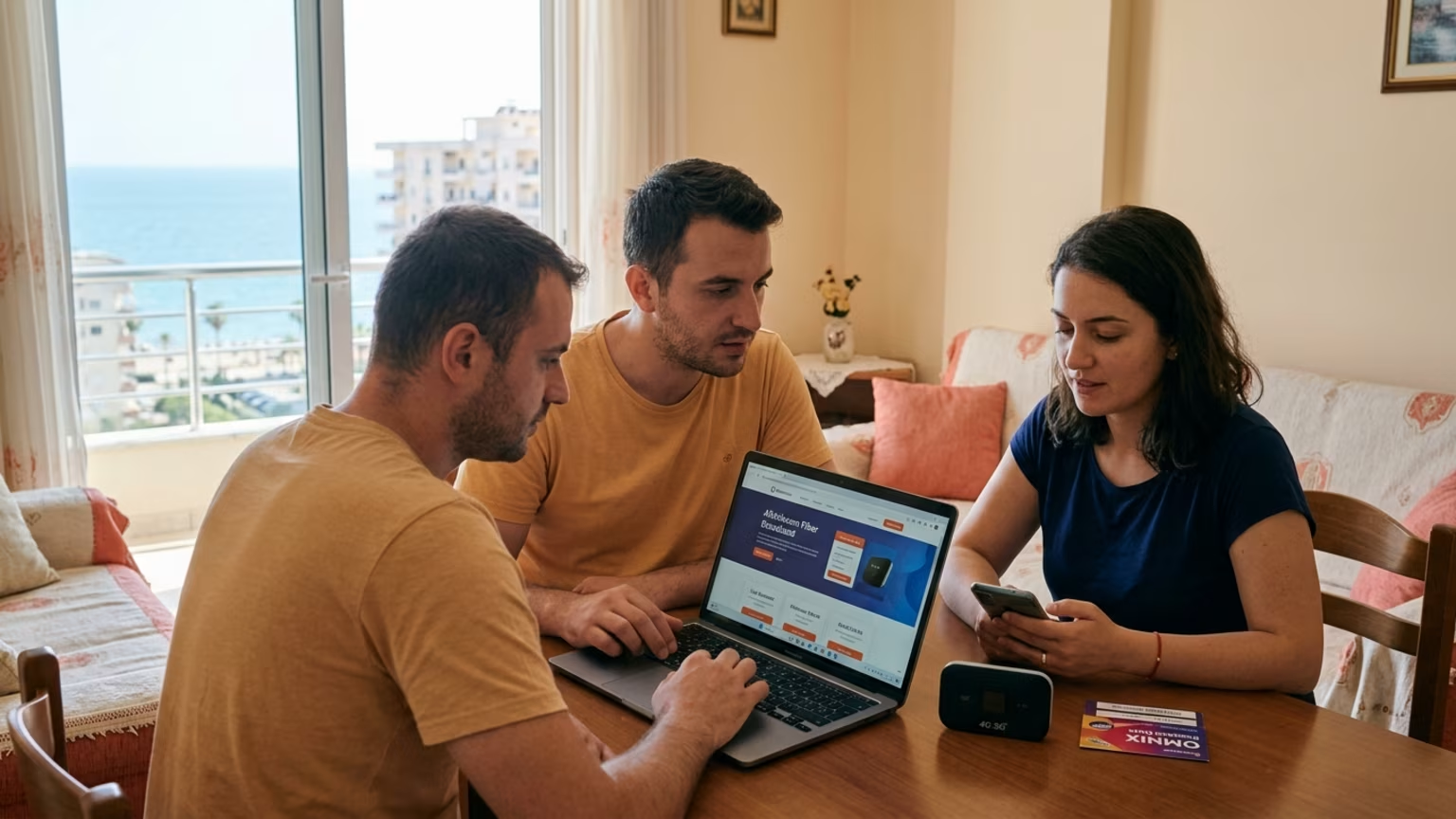
The baseline infrastructure for home connectivity is actually quite solid. According to BalkanHome, fibre is standard in Vlorë. You will typically find residential fibre packages offering speeds of 100 to 300 Mbps. These plans usually cost between €15 and €25 per month.
This pricing makes setting up a home base highly affordable for most professionals. For those calculating a realistic monthly budget, these internet costs fit easily into your spreadsheet. Allocating a small amount each month covers both your home router and a mobile backup. You can manage this expense without stress.
You must remember that "standard" does not mean guaranteed at every single address. An older building near Independence Square might not have the latest wiring installed. Do not assume your specific rental comes with an active fibre line ready to go. You should always ask the landlord for the exact provider and connection type before moving in.
We recommend verifying the installed service tier directly with the owner. Sometimes a landlord will simply say the internet is good enough for browsing. You need to press for the actual numbers and the name of the service package.
Setting up a new connection yourself is possible but requires a bit of patience. The €15 to €25 monthly cost is a fantastic deal for the high bandwidth provided. You just need to confirm that the physical cables actually reach your specific apartment unit. A newly renovated apartment near the Cold Water area might have excellent, dedicated fibre.
A traditional home further inland could still rely on older, slower infrastructure. Asking these specific questions early prevents major professional headaches later on.
Securing a secondary connection is a necessary step for any serious remote worker. BalkanHome reports that mobile coverage is good along the coast and in major cities. They note that a prepaid SIM card with generous data costs just €10 to €15 per month. You can purchase these SIM cards easily at local kiosks or official carrier stores.
There are multiple telecom shops located right along the main promenade for easy access. This low cost makes having a robust backup plan incredibly accessible for everyone. Using a mobile hotspot is widely considered a highly workable backup solution. BalkanHome recommends this approach for professionals who need constant daily uptime.
You simply activate the hotspot feature on your phone to keep your laptop connected. This method works perfectly from a seaside balcony or a neighborhood coffee shop. It is a vital tool for choosing your ideal daily workspace.
You should carefully test the mobile reception in your specific work area first. Ground-floor apartments with thick concrete walls sometimes struggle with consistent cellular signals. Test the network strength from the exact room where you plan to take calls. You might need to move your desk closer to a window to get the best hotspot performance.
Checking your phone's signal bars during an apartment viewing is a very smart habit. Do not rely entirely on the home Wi-Fi for your peace of mind.
Testing the internet quality at a prospective rental requires direct, hands-on action. You cannot rely solely on a landlord's verbal reassurance or a listing's description. A property listing claiming "fast internet" does not guarantee dependable service for heavy professional use. The real test comes down to performing your own technical checks during peak working hours.
This takes a bit of time and direct coordination with the property owner. It is the only reliable way to be completely confident of your connection. The most honest approach is to bring your laptop directly to the apartment viewing. Run a standard speed test from the specific corner where you intend to work.
Check the upload speeds carefully if your job involves sending large video files. Testing mid-morning on a weekday gives a highly realistic picture. You want to see exactly how the network performs when the whole building is online. A test run on a quiet Sunday afternoon might show artificially high speeds.
Do not accept vague answers about the building's wiring infrastructure from real estate agents. Ask the owner directly if the apartment itself is hardwired for the fast connection. Sometimes the main fibre optic cable only reaches the building's ground-floor entrance.
If you skip this vital verification step, can you reliably operate your business from that new space? A poor daily connection will quickly derail your entire work routine. Take the extra time to verify the technical setup yourself.
Occasional infrastructure disruptions are a simple reality of coastal living in the Balkans. A sudden strong storm rolling in off the Adriatic can sometimes cause brief power fluctuations. When the local power blinks out, your home Wi-Fi router will shut off immediately. This single point of failure will sever your primary internet connection in the middle of a task.
You must have strict personal rules in place for handling these unpredictable moments smoothly. The most critical rule is separating your internet dependence from your home's main power grid. A charged laptop and a mobile phone act as an entirely independent work ecosystem. When the main router fails, your phone can immediately take over the heavy connection duties.
You should always keep your primary devices fully charged before joining important meetings. This simple daily habit saves you from dropping out of crucial client conversations abruptly. Buy a high-capacity power bank for your phone just to be safe. You should keep core daily tasks ready for offline processing at all times.
Drafting long documents or organizing local files does not require a live server connection. If a neighborhood outage lasts longer than a few minutes, you can easily switch to these tasks. Having a backup physical location in mind is another smart operational rule. Knowing a nearby cafe with an independent power generator provides a solid safety net.
This level of preparation keeps you productive under almost any circumstances.
The most effective local workaround is active preparation rather than last-minute scrambling or panic. BalkanHome explicitly recommends having mobile data ready for all of your important calls. You should turn on your phone's mobile hotspot right before dialing into a crucial meeting. Connect your laptop directly to the hotspot instead of the home Wi-Fi for that specific hour.
This completely bypasses any potential home network instability during your live presentation. It is the absolute safest way to handle high-stakes business communications. You might hear rumors about next-generation mobile networks fixing all local connectivity issues soon. BalkanHome notes that 5G is currently rolling out in Tirana, the capital city.
You should not expect that same level of cutting-edge infrastructure to fully cover Vlorë just yet. Rely on the established local mobile networks that have proven themselves along the coast. A strong 4G connection is more than sufficient for standard daily video conferencing. Chasing unverified new tech often leads to unnecessary professional frustration.
Another clever insider tip involves physically mapping out your specific neighborhood's connectivity zones early on. Spend your first week testing different local cafes along the waterfront area. Take specific notes on which spots have reliable secondary networks and comfortable seating. If your home connection drops unexpectedly, you will know exactly where to walk with your laptop.
Building a local support network often starts by chatting with other remote professionals in these reliable workspaces. They will gladly share exactly which local providers they use for their own homes.
The short answer is no, the local internet infrastructure here is not a dealbreaker. The baseline home fibre speeds and highly affordable data packages easily support professional needs. You just have to treat daily connectivity as an active responsibility rather than an automatic guarantee. Planning ahead is the absolute key to maintaining a smooth, stress-free work routine here.
A truly successful remote setup requires verifying the actual connection at your specific apartment. It demands purchasing a local prepaid SIM card immediately upon your arrival in the city. You must physically test your home workspace during the exact hours you intend to be online. If you follow these highly practical steps, you can easily sustain a full-time remote career.
Vlorë offers a genuinely fantastic daily lifestyle for those who prepare their digital workspace correctly.
Losing internet access during a crucial client call causes immediate stress for new arrivals. Vlore Circle eliminates this anxiety by delivering practical, fluff free content for settling and living in Vlorë. We solve the problem of feeling isolated and seeking meaningful social connections so you can build a reliable support network of experienced peers. Join our facebook group
Follow Vlore Circle for fresh guides, local updates, and community notes around life in Vlorë. It is the easiest way to stay close to what we are building.
Learn how to build a sustainable remote work routine in Vlorë. We cover navigating seasonal closures, testing internet speeds, and organizing daily tasks.


Evaluate the practical challenges of relocating to Vlorë. Learn how bureaucracy, connectivity, and residency rules impact your long-term remote work plans.
A breakdown of the growing work-cation trend and how remote professionals arriving in Vlorë can manage availability windows, protect off-hours, and maintain productivity.