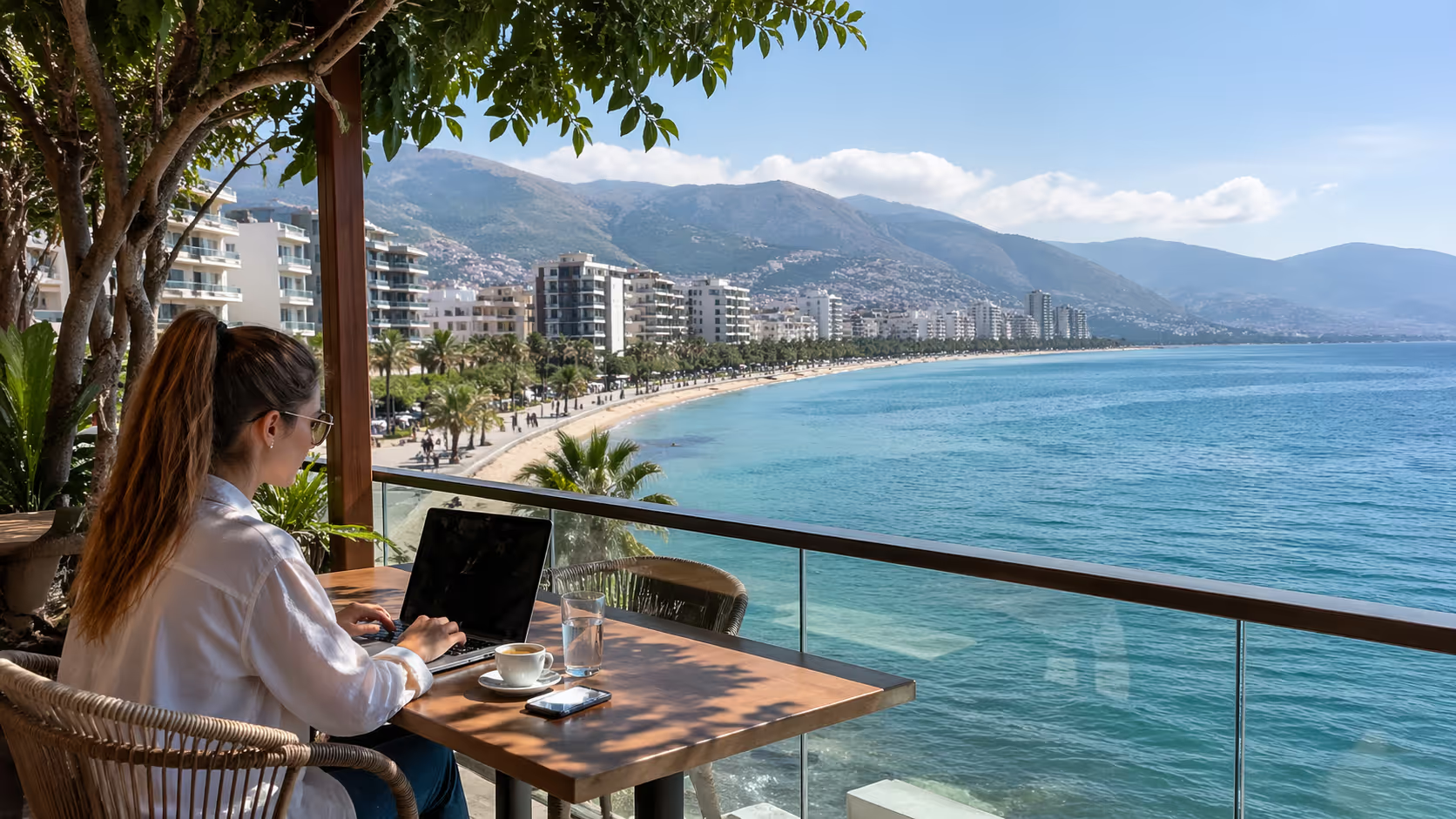
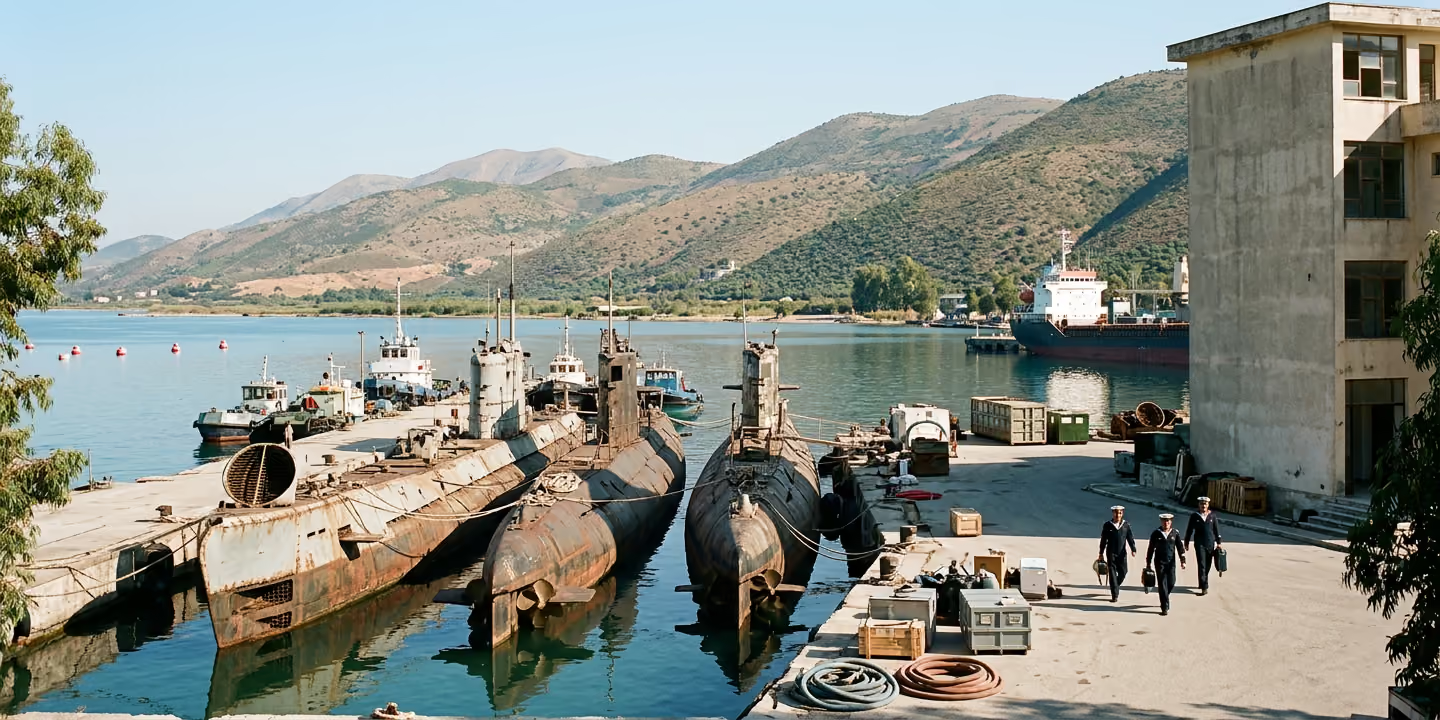
Representative image

You will learn how to select and implement a streamlined productivity app stack specifically designed to enhance focus and efficiency for digital nomads working in Vlorë.





The best productivity stack for Vlorë is not the biggest one. Use Notion for your command center, Trello for active client work, Focus@Will for deep work sessions, then add Toggl and one automation tool only when your workload calls for it.
Vlorë rewards people who can protect their attention. The sea, the Lungomare, late coffee invitations, ferry plans, power hiccups, and beach café noise can turn a normal workday into a scattered one if your tools are not built around local reality.
A productivity apps stack is a set of tools that work together. For a digital nomad, that stack usually covers tasks, notes, time, focus, travel plans, and team communication.
The trap is thinking every problem needs a new app. Many nomads arrive with Slack, Trello, Notion, Google Drive, Evernote, Todoist, Asana, Zoom, Calendly, TripIt, Toggl, RescueTime, Forest, and three different chat apps. Then they spend the morning checking tools instead of finishing work.
In Vlorë, that problem grows fast. A beach café in Uji i Ftohtë may be fine at 9:00. By 11:30 it can be full of music, families, scooters, and friends asking if you want one more espresso. A stack with too many apps gives you more open loops at the exact moment you need fewer.
The better model is a stack pyramid. The base is Notion and Trello. The middle is Focus@Will and Toggl. The top is Zapier or Trello Butler, plus travel tools only when needed.
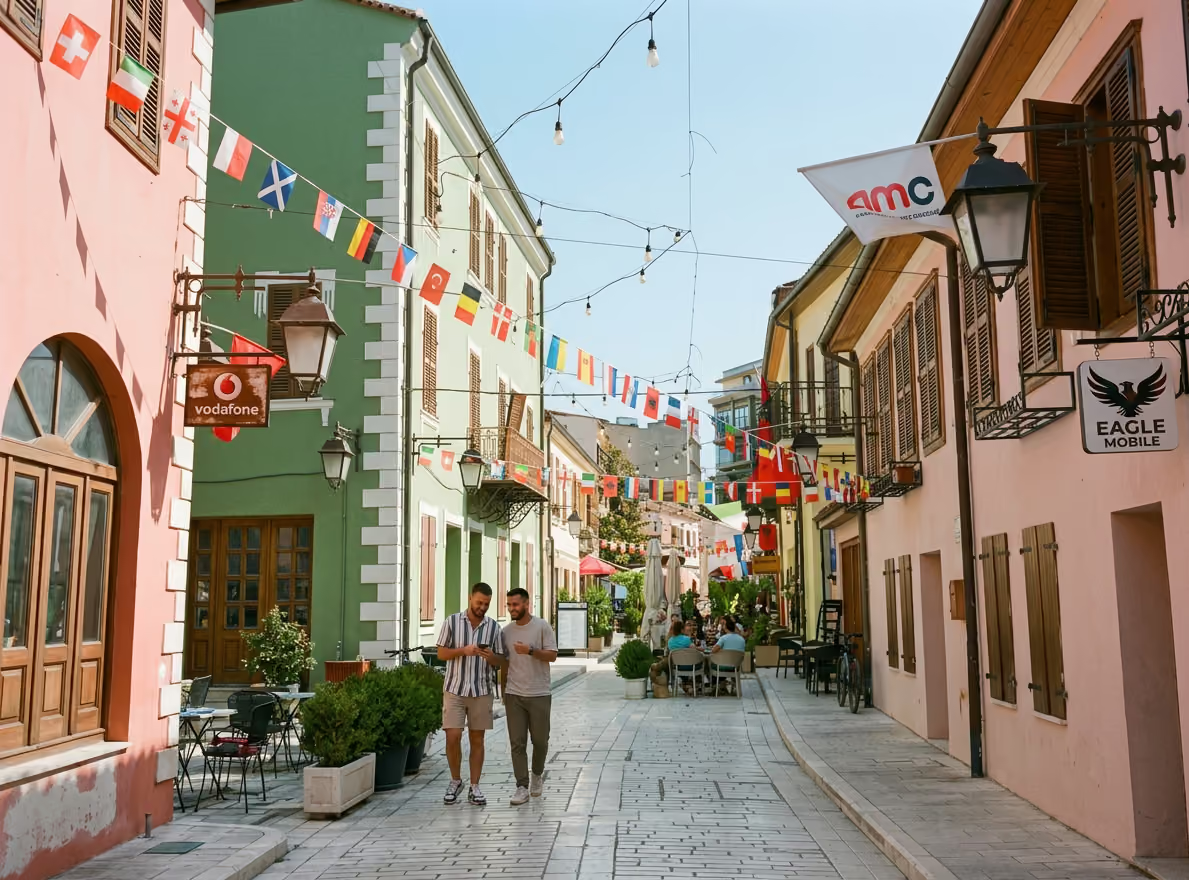
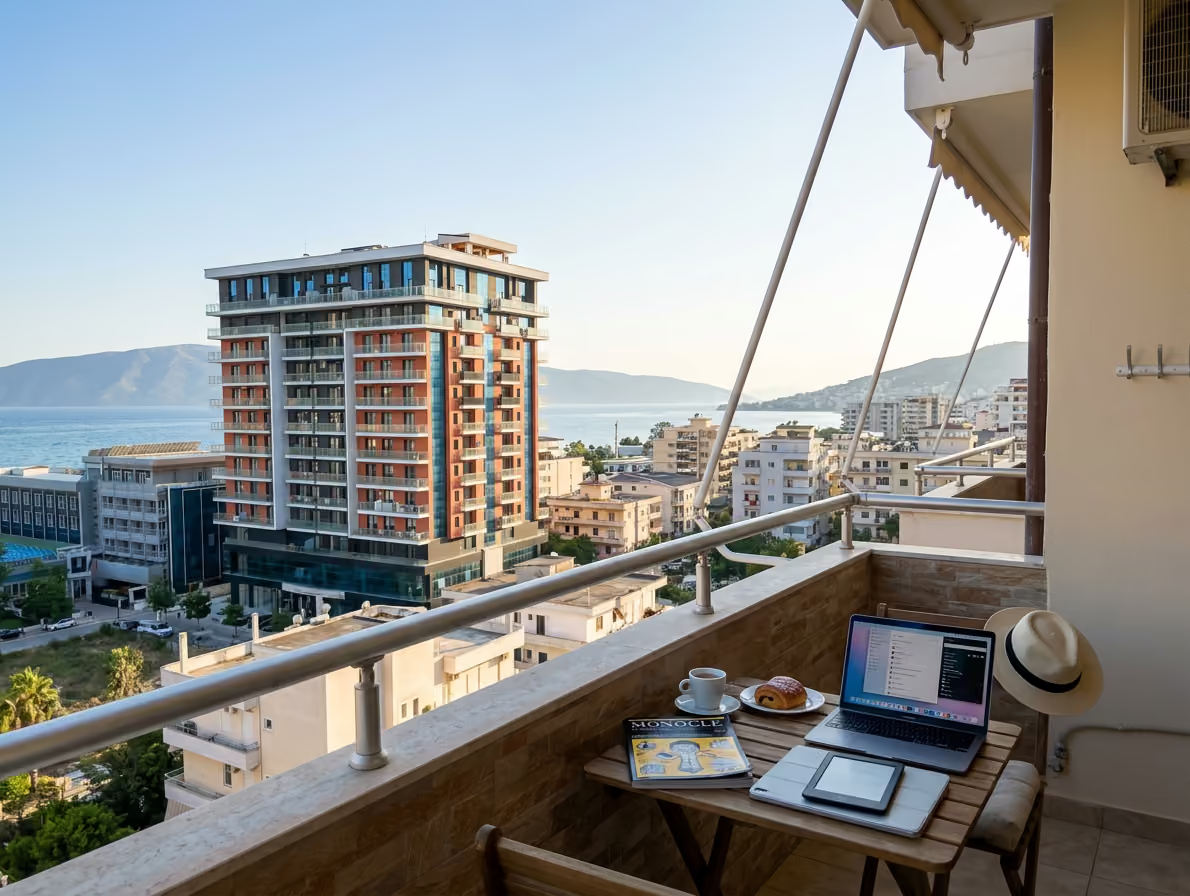
This stack is strong enough for most freelancers, founders, remote employees, and solo consultants in Vlorë. It is light enough to run from a laptop at a Skelë apartment, a café near the promenade, or a quiet table near the Old Town.
Citizen Remote calls Notion and Trello favorites among digital nomads, with Trello praised for its board and card format. GigSky describes Notion as a second brain for travelers who need one place for notes, plans, and work details. WiFi Tribe points to Trello as a clear tool for keeping remote teams on track.
That matches what works on the ground in Vlorë. You need one place to think, one place to move tasks, and one tool that helps you ignore the beach until the work is done.
Here is the lean version:
| Layer | Tool | Main job | Vlorë use case |
|---|---|---|---|
| Command center | Notion | Notes, databases, plans, wiki | Plan the week from your apartment near Skelë |
| Active workflow | Trello | Kanban boards and client task flow | Move tasks during a morning session on Lungomare |
| Focus layer | Focus@Will | Music for concentration | Block café noise near Uji i Ftohtë |
| Time layer | Toggl | Track work blocks | Prove billed hours to US or EU clients |
| Automation layer | Trello Butler or Zapier | Cut repeat admin | Auto move cards and send updates |
| Travel layer | TripIt, XE, Nomad List | Travel, money, city checks | Track flights, currency, and next city plans |
Do not add every layer on day one. Start with Notion, Trello, and Focus@Will. Add Toggl when you bill hourly or need time data. Add automation after you repeat the same action more than three times per week.
Notion should be your private headquarters. Trello is where work moves. Notion is where work makes sense.
In Vlorë, your Notion setup should answer four questions fast. What must I finish today? What client context do I need? What local issue could break my plan? What is my backup location if WiFi or noise fails?
Most people set up Notion like a pretty notebook. That is fine for a week. After that, it becomes a drawer full of half-made pages.
Use Notion as a command center instead. Keep it boring, clear, and easy to use on a bad internet day.
Call it "Vlorë Work Dashboard." Add five blocks at the top:
The "Today" section should hold only three tasks. Not ten. Not your whole life. Three tasks you can complete before the city pulls you toward the beach.
The "This Week" section can hold a simple table. Use columns for project, deadline, status, client, and next action. Keep the status options clear, such as planned, working, waiting, and sent.
The "Client Hub" should hold one page per client. Inside each client page, keep contacts, links, contract notes, brand rules, meeting notes, invoice notes, and recurring tasks. If you work from cafés, this saves you from digging through email during a noisy afternoon.
The "Local Logistics" page is where Vlorë becomes part of your system. Add your apartment address, landlord contact, coworking options, SIM details, power bank status, preferred cafés, taxi contacts, gym hours, and clinic details. This is not glamorous. It saves time when something breaks.
The "Backup Plan" section matters more than most newcomers think. Add three backup work spots, your mobile hotspot plan, your offline task list, and files to download before bad weather.
Create a table called "Vlorë Work Spots." Use these fields:
| Field | Example |
|---|---|
| Area | Lungomare, Skelë, Uji i Ftohtë, Old Town |
| Noise level | Low, medium, high |
| WiFi confidence | Good, mixed, poor |
| Power outlets | Yes, limited, no |
| Best time | 8:00 to 11:00 |
| Best task type | Writing, calls, admin, planning |
| Backup nearby | Apartment, second café, hotspot |
Do not write "nice café." Write the actual area and your best time slot. "Lungomare, good for writing before 10:30" is useful. "Beach café, nice vibe" is not.
Over two weeks, this table becomes your local operating map. You will learn that one café is fine for email but bad for calls. Another may be perfect in winter but too loud in July. A third may have strong coffee and weak outlets.
Vlorë has decent connectivity in many areas, and mobile data is often the safest backup. Still, coastal work has weak points. Weather, crowded cafés, apartment router problems, and power cuts can ruin a meeting-heavy day.
Create a Notion page called "Offline Work Bank." Fill it with tasks that can be done with no live connection.
Good offline tasks include:
Download client files before heading to the beach area. Sync Notion before leaving your apartment. Keep one folder on your laptop named "Offline Today."
GigSky frames Notion as a strong travel tool for staying organized across devices. In Vlorë, that only works if you prepare pages before you need them. Offline access is not magic if you never opened the page when the WiFi was strong.
Digital nomads lose time to small local tasks. Paying rent. Renewing a SIM card. Finding a dentist. Remembering which ATM had lower fees. Tracking receipts for Albanian lek purchases.
Put these into Notion, not your memory.
Create a database called "Local Admin." Use tags such as housing, health, money, transport, and residency. Add the task, contact person, location, cost, due date, and notes.
For example:
| Task | Area | Cost note | Status |
|---|---|---|---|
| Pay rent | Skelë apartment | In euros or lek, confirm rate | Monthly |
| Buy data package | City center | Save receipt | Done |
| Check dentist | Near boulevard | Ask community first | Planned |
| Print documents | Old Town side street | Bring cash | Planned |
This may feel too plain. That is the point. Plain systems survive real days.
Trello is best for active work that changes status. It is not where every note belongs. It is where the next action is visible.
The Kanban method is simple. Work moves from To Do to In Progress to Done. For nomads, that visual flow helps cut the mental load of client work, travel plans, and local tasks.
A basic Trello board can save a workday on the Vlorë promenade. You open your laptop, see the next card, start the session, and move it forward. You do not spend 25 minutes deciding what your job is today.
Most Vlorë digital nomads should start with one of these setups.
Freelancer setup:
Remote employee setup:
Content creator setup:
Consultant setup:
Keep card titles action-based. "Website project" is weak. "Send revised homepage copy to Mira" is strong.
Add due dates only when they matter. If every card is urgent, no card is urgent.
Create a board called "Beach Sprint." This is your daily output board for coastal work sessions. It should hold only the work you plan to finish during a 4-hour block.
Lists:
This board is not your full project system. It is your daily runway. Before you leave your apartment, pull three to five cards into the sprint board.
Example morning at Lungomare:
This method works since it accepts the coastal rhythm. You are not pretending the beach is a silent office. You are building a short, sharp work block before distractions peak.
Most people label cards by client. That helps, but it does not answer the real question at 14:30 after a heavy lunch near the promenade.
The better question is, "What kind of energy do I have?"
Use labels like:
Now your Trello board can match your actual day. If your apartment WiFi drops, filter for offline. If you have one clear hour before a meeting, filter for quick admin. If the café is too loud for strategy work, pick a low energy task.
Trello Butler can automate board actions. For example, it can move cards when due dates arrive, add checklists to new cards, or archive old completed cards.
Do not automate chaos. If your board is messy, Butler will make the mess faster.
Start with three simple rules:
Women Digital Nomads and RentRemote both point to automation tools like Zapier as time savers for nomads. That is true when the workflow is clear. It is false when you are avoiding a hard choice about priorities.
Focus@Will is not a magic switch. It is a cue.
When you start the music, your brain learns that it is work time. When the session ends, you stop. That rhythm matters in a city where the outside world keeps inviting you to pause.
Vlorë has sensory pull. Sea air. Scooter noise. Hotel music in summer. Friends walking the promenade. Sunset plans. Coffee that turns into two hours. A focus app gives your workday a border.
Use a simple loop first.
Repeat this four times. That gives you two hours of real work with breaks. Many nomads do not need an eight-hour day if the first two hours are clean.
Focus@Will offers music designed for concentration. RentRemote lists it among productivity tools for remote workers. Some company claims about focus gains are promotional, so treat them as marketing, not medical proof.
The practical value is simpler. It masks noise, marks work time, and cuts the urge to switch tabs.
Do not use one playlist for every task. Test your own response.
For writing:
For admin:
For coding or analysis:
For design:
The goal is to remove decision friction. When it is time to write, you do not ask what to play. You open the same playlist and start.
Toggl tracks time. That sounds dull until you see where your day goes.
A digital nomad in Vlorë may think they worked six hours. Toggl may show three hours of billable client work, one hour of messages, and two hours lost to "small errands." That is not a moral failure. It is useful data.
Track only four categories at first:
After one week, review the pattern. If local life keeps eating mornings, move errands to late afternoon. If client work is stronger before 11:00, protect that window. If calls with US clients run late, keep the next morning lighter.
Grateful Gnomads lists Toggl among useful apps for global nomads, with time zones and travel routines in mind. In Vlorë, it helps you work with the city instead of blaming the city.
RescueTime can show how your laptop time is spent. It is useful if you cannot explain why days feel busy but output stays low.
Use it for a two-week audit. Do not turn your life into a surveillance project. You need insight, not shame.
If you see too much time in social media, add blockers during Focus@Will sessions. If you see too much time in messaging tools, batch replies at 11:30 and 16:30. If you see too much time in planning apps, cut the stack.
Productivity is not busyness. It is finished work that matters.
No one app stack fits every person. The right setup depends on your job, clients, team, and energy.
Use the profiles below as starting points. Then remove anything that does not help your output.
Your main risk is scattered research. You collect notes from everywhere, then lose the thread when it is time to draft.
Use this stack:
| Need | Tool | Setup |
|---|---|---|
| Editorial calendar | Notion | Database with deadline, client, status, format |
| Article pipeline | Trello | Idea, research, draft, edit, sent, invoice |
| Focus | Focus@Will | Writing playlist, 50-minute blocks |
| Time | Toggl | Track by client and article |
| Automation | Zapier | Save form inputs or notes into Notion |
Vlorë routine:
Start at home near Skelë or the city center. Review the Notion editorial calendar before leaving. Pick one writing task and one admin task. Move both to your Trello Beach Sprint board.
Go to a quieter café near Lungomare before the lunch crowd. Draft for two Focus@Will sessions. Take a short walk by the sea. Return for edits, then send before afternoon noise builds.
Do not do research from ten tabs at a beach table. Save research in Notion first. Then write from your outline.
Your main risk is interruptions. Calls, messages, and beach noise break deep thinking.
Use this stack:
| Need | Tool | Setup |
|---|---|---|
| Technical docs | Notion | Client wiki, system notes, decisions |
| Sprint tasks | Trello | Backlog, active, blocked, review, shipped |
| Deep work | Focus@Will | Stable instrumental track |
| Time | Toggl | Track feature, bug, meeting, admin |
| Communication | Slack or Teams | Fixed check-in windows |
Vlorë routine:
Work from your apartment for the first deep block. Many rentals near Uji i Ftohtë and Skelë are calmer in the morning than beach cafés. Use Focus@Will for 90 minutes. Keep Trello open only to the active card.
Save promenade cafés for review tasks or messages. Do not take sensitive client calls from public tables. Use a headset and test your hotspot before any call with a US or UK team.
Your main risk is time zone drift. Vlorë is in Central European Time, which can work well for Europe and late for North America.
Use this stack:
| Need | Tool | Setup |
|---|---|---|
| Meeting notes | Notion | One page per recurring meeting |
| Team tasks | Trello or Asana | Shared board with owners and due dates |
| Time zones | Time Buddy | Client city clocks |
| Focus | Focus@Will | Between-meeting reset blocks |
| Tracking | Toggl | Optional, for personal review |
Nomadworks points to Trello and Asana as common project management tools for digital workers. Teams often need shared timelines, owners, and status clarity. If your company already uses Asana, do not force Trello into the workflow. Use Trello only for your personal task board.
Vlorë routine:
Keep mornings for deep work. Use late afternoon or evening for North American calls. Eat early if your meetings start at 18:00. Do not plan sunset dinners on nights with heavy calls.
Your main risk is mixing delivery, sales, and admin. You need a system that keeps money visible.
Use this stack:
| Need | Tool | Setup |
|---|---|---|
| CRM light | Trello | Leads, booked, proposal, closed |
| Client delivery | Notion | Client hub and session notes |
| Time | Toggl | Track billable and non-billable |
| Focus | Focus@Will | Prep sessions before calls |
| Currency | XE Currency | Check lek, euro, and dollar rates |
Vlorë routine:
Use your apartment for calls. Cafés are fine for planning, not for paid strategy sessions. Keep a Notion page for every client. After each call, add next steps before you stand up.
Use Trello labels for money stages. A card labeled "proposal sent" needs a follow-up date. A card labeled "invoice" should move to an invoice list. Do not trust memory after three espressos and a late walk.
Many productivity tools look cheap in dollars. The cost still matters when you stack five monthly subscriptions.
RentRemote lists common pricing ranges for Notion, Trello, Toggl, RescueTime, and Forest. Prices can change, so check the app site before paying. Use your bank or XE Currency for the current lek conversion.
For simple planning, many expats use a rough mental rate near 100 ALL for 1 USD. Do not treat that as a live exchange rate. Treat it as a fast budgeting shortcut.
| Tool | Typical plan from research | Rough monthly planning cost in ALL |
|---|---:|---:|
| Notion | Free or about $8 | Free or about 800 ALL |
| Trello | Free or about $5 | Free or about 500 ALL |
| Toggl | Free or about $9 | Free or about 900 ALL |
| RescueTime | About $6.50 | About 650 ALL |
| Forest Pro | About $1.99 | About 200 ALL |
| Zapier | Free tier or paid plans | Varies |
| Focus@Will | Check current site | Varies |
A lean paid stack may cost around 2,000 to 3,000 ALL per month before Focus@Will and paid automation. A heavier stack can climb fast.
Do not pay for everything at once. Use this upgrade order:
Think in local tradeoffs. If a paid app saves one hour of client work per month, it may pay for itself. If it only makes your dashboard prettier, skip it.
Vlorë can be lower cost than many Western European cities, but waste is still waste. App subscriptions are easy to forget. Put every subscription in your Notion Local Admin database with renewal date, cost, and reason.
Use a field called "Keep or Cancel." Review it on the last Friday of each month. If a tool did not help you finish paid work, cancel or downgrade.
The romantic version of Vlorë remote work is simple. You wake up to the sea, drink coffee on the promenade, answer emails in linen, swim at lunch, and send client work before sunset.
The daily reality is more mixed. Summer noise can wreck focus. Winter can feel quiet and lonely. Apartment WiFi may be fine one day and weak the next. Friends may be free when you need to work. US calls can run late. Local errands can take longer than planned.
That does not make Vlorë a bad base. It means your stack must protect attention, backup plans, and social energy.
A polished dashboard can become procrastination. If you spend two days changing icons and cover images, you are not building a system. You are decorating stress.
Fix it with a two-screen rule. Your Notion dashboard should show today, this week, clients, local logistics, and backup plan without endless scrolling.
Keep it ugly if ugly works.
Trello is for movement. If you dump every idea, receipt, note, and dream into one board, it becomes useless.
Fix it by separating storage and action. Put knowledge in Notion. Put active tasks in Trello. Archive done cards weekly.
A café may feel calm when you arrive. Ten minutes later, music can start, a blender can run, or a group can sit next to you.
Fix it with call rules. Take serious calls from your apartment, a known quiet workspace, or a tested private spot. Use mobile data as backup. Keep your charger and headset in your bag.
Vlorë changes by season. July and August are louder near the beach. Winter has fewer distractions but can feel socially thin. Shoulder months may be the best mix for many remote workers.
Fix it by matching task type to place. Deep work at home in the morning. Admin on Lungomare after lunch. Calls in controlled spaces. Planning in a quieter café near the Old Town.
New tools feel productive. They rarely fix unclear priorities.
Fix it with the 7-app ceiling. Your core work stack should stay under seven tools. If you add one, remove one or define its exact job.
A strong Vlorë stack might be:
That is enough for most people. More tools should earn their place.
A 4-hour sprint is the most useful structure for Vlorë. It gives you serious output before the day gets away from you.
Use it on mornings when you want to work near the sea. It works at Lungomare, Uji i Ftohtë, or a quieter table away from the main promenade.
Open Notion and check your weekly priorities. Pick one main outcome for tomorrow. Not a theme. A finished result.
Examples:
Open Trello and move the matching cards to your Beach Sprint board. Add checklists to each card if the task has more than one step.
Download files. Charge your laptop, phone, earbuds, and power bank. Put your charger in your bag.
Check your calendar for time zone issues. If you have a late US call, do not plan a heavy early sprint after a poor night of sleep.
Arrive early. In summer, earlier is better near the promenade.
Pick a table with your back to the room if you get distracted by movement. Pick a wall outlet if you plan to stay past two hours. Order once, settle, then stop scanning the room.
Open Trello. Start Toggl. Start Focus@Will. Put the phone face down or in your bag.
Work on the first card only. Do not check messages yet.
Run four cycles of 25 minutes with short breaks. After each cycle, update the card.
Use breaks with care. A break is not a scroll session. Stand up, look at the sea, stretch, drink water, then return.
If noise rises, do not negotiate with it for 40 minutes. Move, switch to admin tasks, or go back to your apartment. Your stack should help you decide faster.
Use the final hour to ship. Send the draft. Push the update. Reply to the client. Move the card to Done.
Do not end the sprint with "almost finished." Almost finished creates open loops that follow you to lunch.
If a task cannot be finished, write the next action on the Trello card. Example, "Need client logo file before final export." Then move it to Waiting.
Stop Toggl. Check the time report. Note what worked in Notion.
Add one line to your Work Spots table. Example, "Lungomare café was quiet until 10:45, poor for calls after 11:00."
This turns daily experience into local intelligence. After two weeks, your work system fits Vlorë much better.
Your app stack is only half the setup. Your physical work pattern matters just as much.
Vlorë has clear zones for different work moods. Use them with intent.
Skelë is practical for longer stays. You can find apartments, shops, cafés, and daily services without needing to cross the whole city. For remote workers, it is a strong base if your rental has stable internet and a decent desk.
Use Skelë mornings for deep work. Keep Notion and Trello open. Use Focus@Will before you open chat. Save errands for later.
If your apartment is near a busy road, noise-cancelling headphones help. If the desk is poor, buy a laptop stand or use a temporary setup with books. Your body will notice after one week.
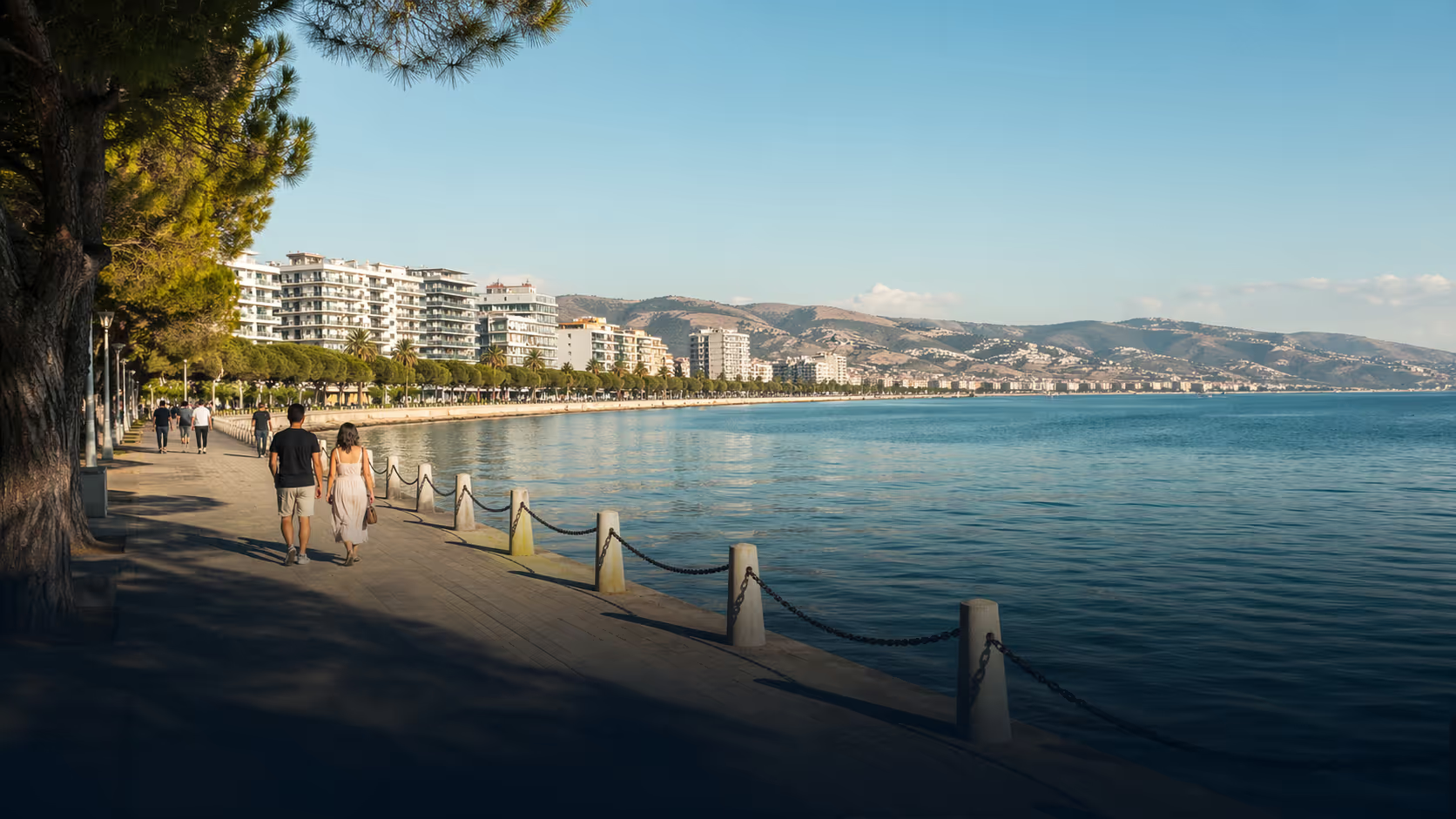
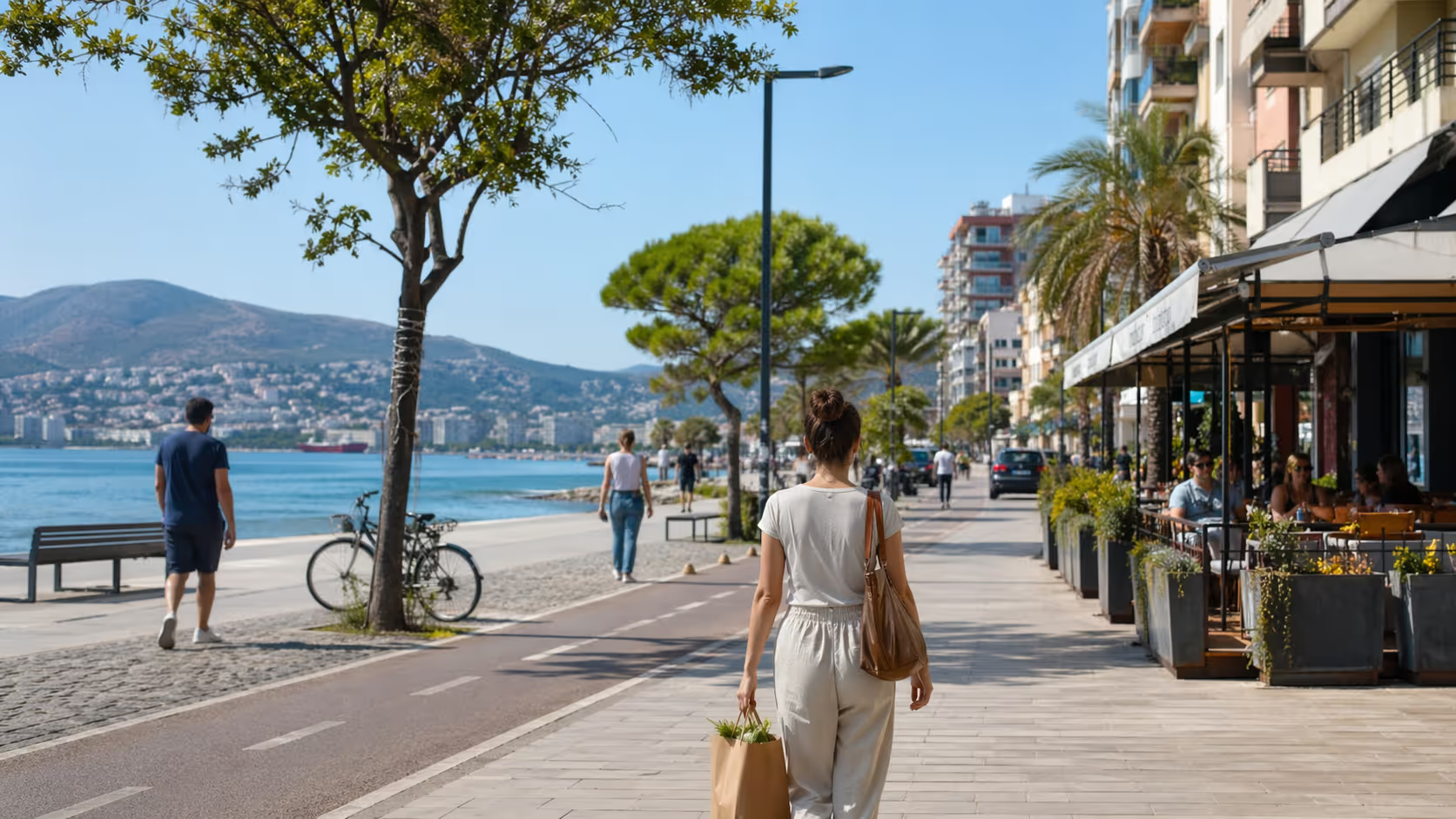
The promenade is tempting and risky. It can be great for a short sprint before crowds build. It can be terrible for complex calls or detailed work during peak hours.
Use Lungomare for writing, planning, inbox clearing, light design review, and social work sessions. Avoid it for confidential calls, high-stakes meetings, or work that needs total silence.
Set a time cap. Two focused hours on Lungomare is better than five distracted hours with a sea view.
Uji i Ftohtë has beach access, cafés, and a more coastal feel. It can work well for creative tasks and lighter afternoons. It can be noisy in season.
Use it after your main output is done. Bring tasks labeled low energy or admin in Trello. Use Focus@Will to mask background sound.
If you try to do your hardest work here at the wrong time, do not blame the app. Change the place or the task.
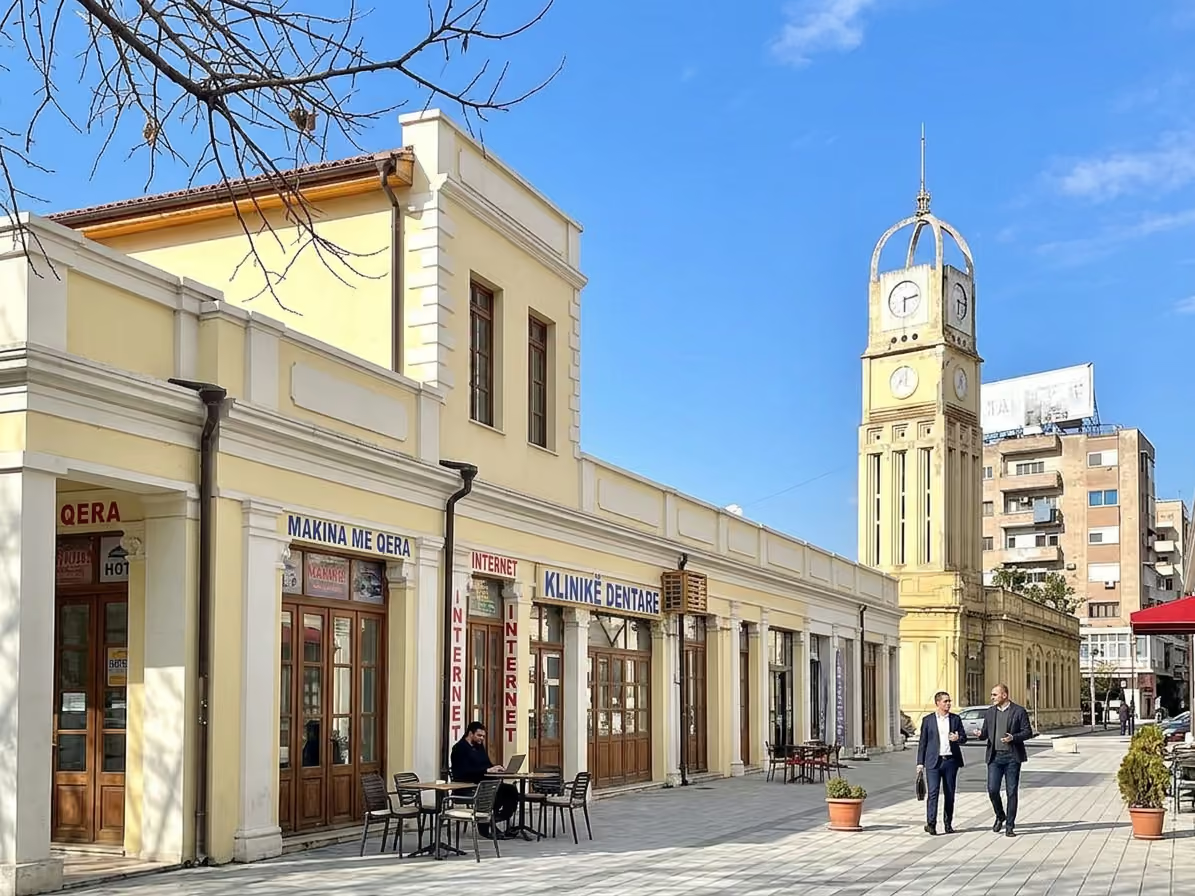
The Old Town and city center area can be better for errands, printing, banking, and local meetings. It is not always the first choice for beach-style work, but it can help you batch life admin.
Use Notion Local Admin here. Keep your list ready before you leave home. Group tasks by area, such as printing, SIM card, pharmacy, and cash.
A simple admin route saves hours. Scattered errands can break a full day.
Our best local advice is simple. Do your main work before the sea gets a vote.
People move to Vlorë for quality of life. That is fair. Yet the city can make a weak work routine weaker. If you wait until you feel ready, the promenade, coffee, sun, and messages will compete for the day.
Many Vlore Circle community members use a morning anchor. They finish one meaningful block before social plans. Then they can enjoy the city without guilt.
Try this rule for one week:
This is not strict for the sake of control. It gives you freedom later.
If you are new in town, isolation can be a real issue. Productivity apps will not solve loneliness. They can protect your work hours, but you still need people.
Join the community if you want real local connection, workday tips, and meetups with people who understand remote life in Vlorë. A good stack helps you produce. A good circle helps you stay.
A productivity stack needs maintenance. Not a full rebuild. Just a weekly reset.
Set a recurring Trello card for Friday or Sunday. Call it "Weekly Stack Review." Add the same checklist every week.
Checklist:
This takes 30 to 45 minutes. It prevents the slow decay that makes apps feel useless.
Ask better questions:
Do not measure your week by how many cards moved. Measure it by shipped work, paid work, clear next steps, and lower stress.
Automation can become clutter. Zapier flows, Butler rules, calendar links, and Slack alerts should be checked often.
Delete automations that fire too often. Remove alerts that do not change behavior. Keep only the ones that reduce repeat work.
A useful automation might create a Trello card from a form. A weak automation might notify three apps every time you move a card. More pings do not mean more control.
Every Friday, download or sync files needed for the next week. Check your charger. Check your hotspot. Check your calendar for late calls.
Vlorë is easier when your plan has backups. A good stack should still work when one café is full, one router fails, or one meeting moves.
A smaller stack, used daily, will beat a perfect stack that never survives real life in Vlorë.
Follow Vlore Circle for fresh guides, local updates, and community notes around life in Vlorë. It is the easiest way to stay close to what we are building.



Be part of a growing community built around connection, local life, and a better experience of Vlorë.
join the circle