Representative image

Remote workers in Vlorë rely on virtual private networks to encrypt sensitive client data and protect their connections on unsecure public networks.





A VPN is a privacy and security tool that creates an encrypted tunnel between your laptop or phone and a remote server, so your work traffic is harder to intercept on cafe, hotel, or coworking WiFi in Vlorë. It is not a magic shield against every online risk, so this guide covers VPN choice, setup, public WiFi habits, Albanian rules, and the daily security routine that remote workers need here.
A Virtual Private Network, or VPN, protects your internet connection by routing your traffic through an encrypted tunnel. That tunnel sits mostly around the network and transport layers of your connection. In plain English, it makes your data much harder to read if someone is watching traffic on the same WiFi network.
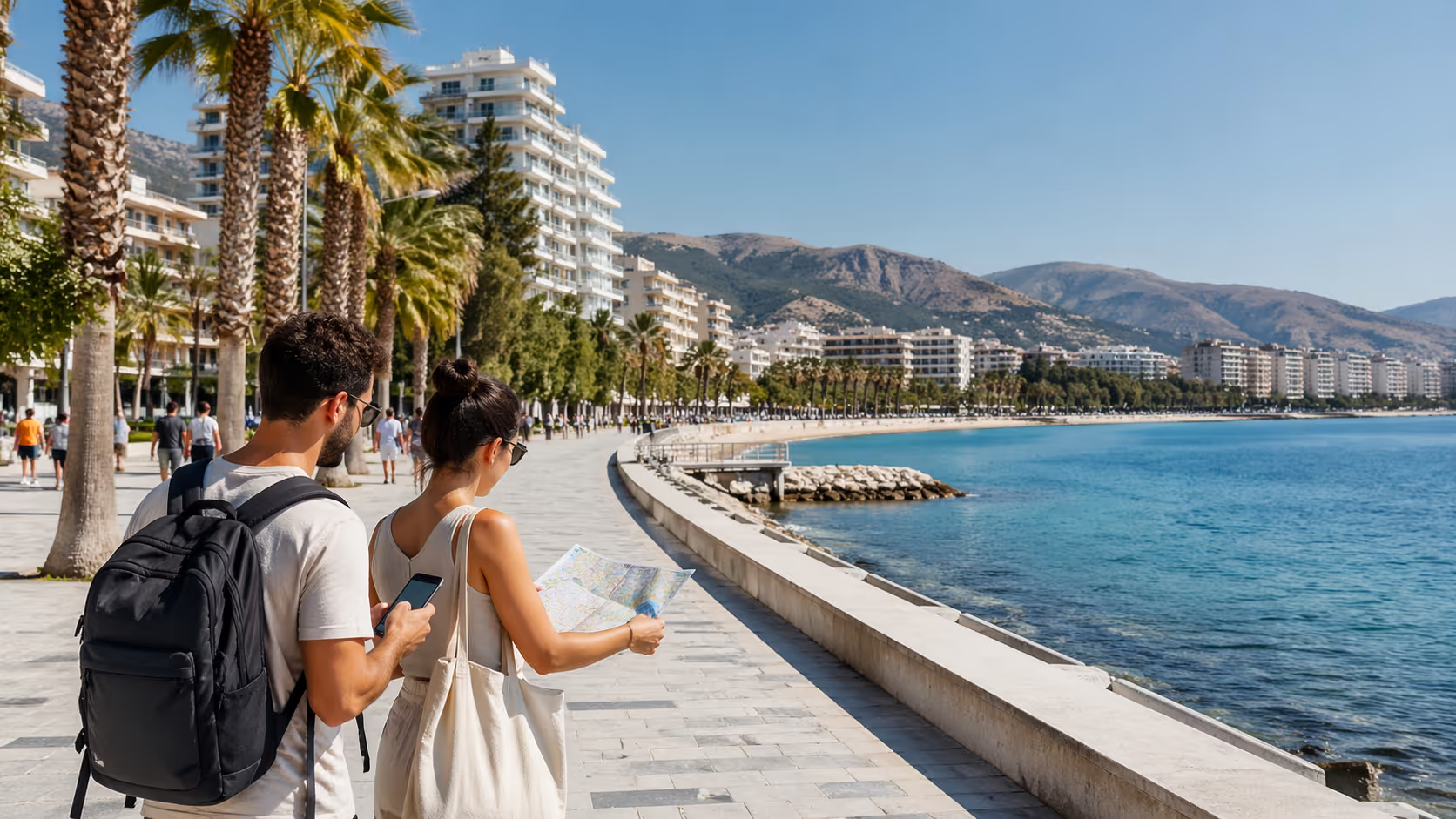
For remote workers in Vlorë, this matters most in places where you do not control the router. Think of a cafe near Lungomare, a hotel in Uji i Ftohtë, an apartment rental near Skela, or a beach bar with a shared password on the counter. The WiFi may work fine for email and video calls, but you have no real way to know who set it up, who else is connected, or whether the router has been maintained.
A good VPN masks your IP address. It makes your traffic appear to come from the VPN server rather than your real location or network. If you connect through an Albanian server, some services see you as being in Albania. If you connect through Germany, the United Kingdom, or the United States, services see that server location instead.
The main job is confidentiality. This means your client files, passwords, messages, invoices, and admin logins are hidden from casual interception. Strong VPNs use encryption standards such as AES-256, which is widely treated as a high security benchmark.
A VPN also helps with integrity. If your connection is exposed, an attacker may try to alter what you receive. Secure VPN protocols reduce this risk by protecting traffic from tampering between your device and the VPN server.
The third part is availability. This means you can keep working when a connection drops or a server fails. Good VPN apps offer a kill switch, which blocks internet traffic if the VPN disconnects. That feature may feel annoying during a call, yet it protects you from sending private data over an open connection by mistake.
The common VPN protocols matter too. WireGuard is modern, fast, and often a good fit for video calls from Vlorë apartments. OpenVPN is older, reliable, and open source. IKEv2 is useful on phones since it handles network changes well, such as moving from cafe WiFi to mobile data near the port.
A VPN does not stop phishing emails. It does not fix weak passwords. It does not make a stolen laptop safe. It does not give you the legal right to access copyrighted content or work without the right visa status.
Think of it as one layer in your security stack. The stack should include device updates, strong passwords, multi-factor authentication, cloud backup, antivirus or endpoint protection, browser hygiene, and clear work rules. The VPN is the network layer that sits between your device and the wider internet.
This is where zero trust comes in. Zero trust means no device, app, network, or login is trusted by default. For a freelancer working from a rental near Vlorë Marina, this may sound corporate. In practice, it means you verify every login, lock down every device, and treat public WiFi as untrusted from the start.
The NIST Cybersecurity Framework gives a useful model for solo workers too. Identify what data you handle. Protect it with encryption and access controls. Detect strange logins or device alerts. Respond fast if something looks wrong. Recover with backups and clean devices.
You do not need to be a security engineer to use this model. You only need a short checklist that you repeat every day. Connect to VPN before opening client systems. Use a password manager. Check that the kill switch is on. Keep your laptop updated. Back up your work before leaving the apartment.
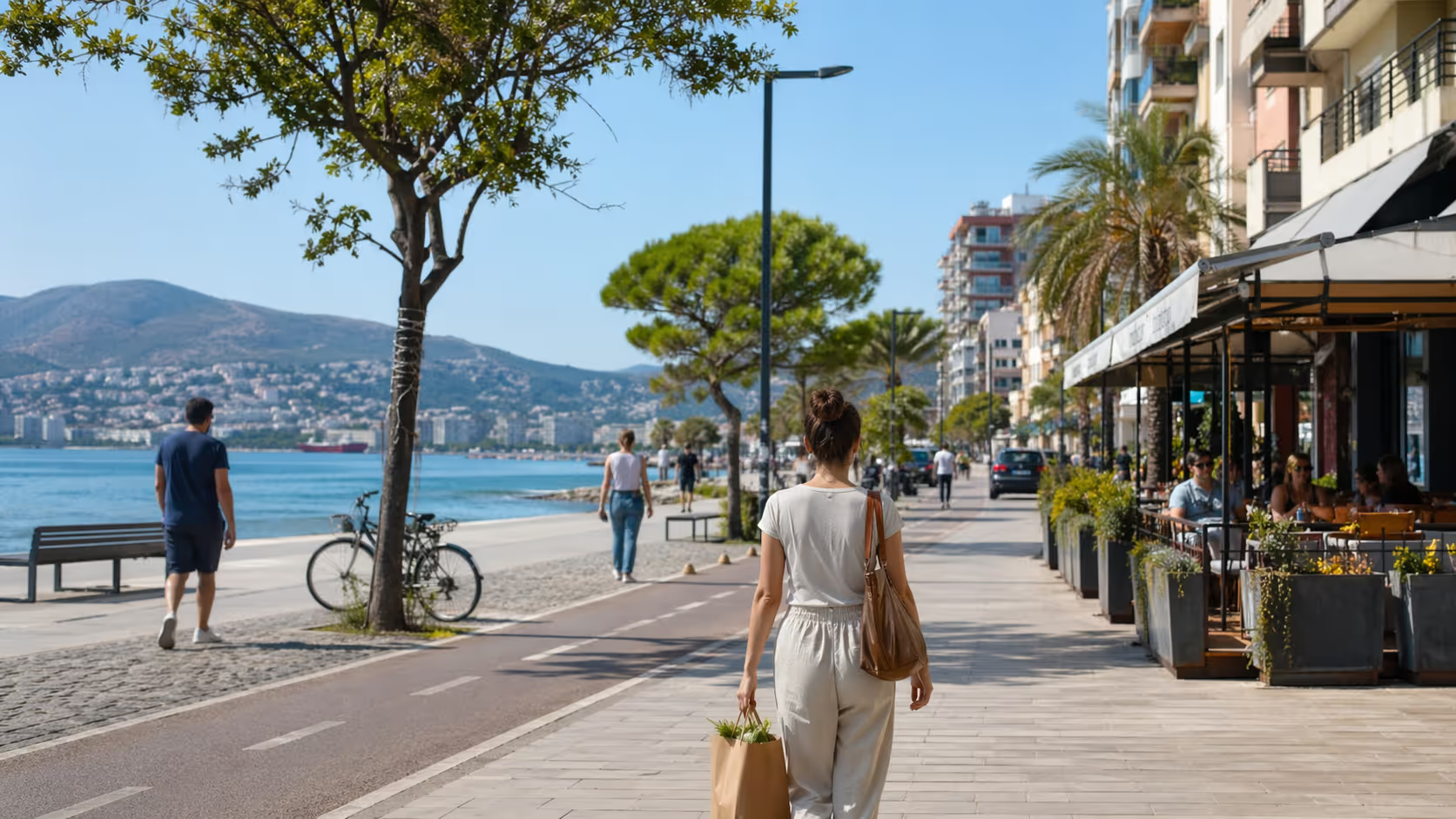
Vlorë is a coastal city with a year round local rhythm and a heavy summer tourism wave. That mix is great for remote workers who want sea air, walkable cafes, and lower pressure than larger European capitals. It also creates a simple security problem, lots of people share lots of networks.
In winter, your daily routine may be calm. You might work from an apartment in Skela, take calls from a quiet cafe near Sheshi i Flamurit, then walk along Lungomare after work. The WiFi may feel stable, and the same staff may know your coffee order.
Summer is different. Vlorë fills with visitors from Albania, Kosovo, Italy, Poland, Germany, and beyond. Hotels, beach bars, restaurants, and short term rentals all compete to offer quick internet access. Many networks use simple passwords that barely change across the season.
That does not mean Vlorë is unsafe. It means the risk profile changes. A full cafe by the promenade gives you convenience and exposure at the same time. A public router near the beach may carry traffic from locals, tourists, students, remote workers, and random passersby.
Remote workers often underestimate this. They look at speed first. They ask whether Zoom works, whether Google Drive loads, and whether the apartment has fiber. Those questions matter, but security matters too.
The risk is not only a dramatic hacker story. Most exposure is boring. You join the wrong network with a similar name. You send a file before the VPN connects. You log into a client dashboard on a shared connection. You reuse a password on a travel booking site and a work tool.
Vlorë has many practical places where this can happen. Cafes along Lungomare often have strong enough WiFi for calls. Hotels near Uji i Ftohtë may give each guest the same password. Apartments around Skela can share building routers or older ISP equipment. Seasonal beach places may use consumer grade routers with little maintenance.
A remote worker with payroll access, legal files, client invoices, patient information, source code, ad accounts, or customer databases has more to protect than a casual traveler. A VPN should be treated as normal work equipment, like a laptop charger or noise cancelling headset.
Local services create another layer. You may need access to Albanian banking, local streaming, government portals, payment tools, or a company server that expects an Albanian IP address. Some VPN providers offer Albanian servers, which helps when a login system flags foreign IP activity.
Vlorë is also a city where work and personal life blend. You may check client email from a beach bar in Radhimë, pay rent from your phone in Skela, and message your accountant from a cafe near the port. Each context creates a new connection point.
The cultural habit here is practical, not paranoid. People use what works. If a cafe password is written on the receipt, people connect. If the hotel WiFi is slow, people switch to mobile data. The trick is to build a routine that respects that local style but protects your work.
A good local rule is simple. On any network that you do not own, connect to VPN before opening work accounts. This includes cafes, coworking rooms, hotel lobbies, Airbnb routers, beach bars, airport lounges, ferry terminals, and shared apartments.
No VPN is perfect for every worker in Vlorë. The right choice depends on your client rules, number of devices, need for Albanian IP access, video call load, and privacy comfort level. Still, a few providers appear often in Albania focused VPN reviews and remote work comparisons.
Proton VPN is a strong privacy pick. Holafly reports that Proton VPN has a low speed reduction of around 5 percent in its Albania review, along with servers in 110 plus countries and support for 10 simultaneous connections. Proton is known for audited no logs claims, open source apps, and Secure Core routing.
Secure Core is a multi-hop style feature. It routes traffic through hardened servers before it exits to the wider internet. For a remote worker handling sensitive files from a Vlorë cafe, this adds privacy depth at the cost of some speed.
Proton is a good fit for lawyers, consultants, journalists, finance contractors, healthcare support staff, and anyone who cares more about privacy than the lowest price. The app has DNS leak protection and a kill switch. These are key if your WiFi cuts in and out near the waterfront during peak hours.
Proton has a free plan with no data limit, which is rare. The catch is fewer server options and likely congestion at busy times. If you rely on daily calls and heavy file transfers, the paid plan is a safer work choice.
NordVPN is often ranked highly for Albania by review sites such as Comparitech. It is a good option when you need speed, broad server coverage, and a simple interface. Many remote workers like it since it balances privacy tools with user friendly apps.
NordVPN can be useful if your work tools react badly to unstable IPs. It has many server locations and security features such as threat protection tools. It may suit remote workers who split time between Vlorë, Tirana, and trips abroad.
The main reason to shortlist NordVPN in Albania is server access. Reviews report that NordVPN offers Albania related server options or nearby coverage that supports local and regional use cases. Always check the provider site before buying, since server lists change.
Surfshark is a strong value pick. FindCheapVPNs ranks Surfshark as a leading Albania option for 2026, with unlimited devices as a major selling point. This is useful for couples, families, coliving groups, or anyone with a laptop, phone, tablet, backup phone, and streaming device.
Unlimited devices sound simple, but there is a work caveat. If your whole household uses the same shared VPN IP, a corporate security team may flag that address. Shared VPN IPs can be blocked by some platforms. For sensitive work, ask your employer if a dedicated IP is required.
Surfshark works well for everyday Vlorë life. It is practical for a remote worker who needs one subscription across many devices. It may be less ideal for a company with strict whitelisting rules, unless you add a dedicated IP product where available.
Windscribe is notable for Albania since its own Albania VPN page states that VPN use is legal under Law No. 9918, with no restriction on privacy or security use. The same page makes clear that illegal acts remain illegal. That is the right mental model for VPN use here.
Windscribe is often valued for flexible plans and generous device use. Research cited in the prompt points to around 10 percent speed reduction and unlimited connections. That is workable for most calls, file uploads, and admin tasks.
Windscribe is a decent fit for remote workers who want flexibility and do not need a full enterprise setup. It is worth testing during your first week in Vlorë from your apartment, preferred cafe, and mobile hotspot.
TunnelBear is simple and beginner friendly. The research provided cites around 12 percent speed reduction. That is still acceptable for basic work, but heavy video work or large media uploads may suffer on weak WiFi.
TunnelBear works best for people who want a clean app and low friction. It may not be the first choice for complex client setups, static IP needs, or multi-hop privacy. For email, browsing, and light admin, it can be enough.
PrivadoVPN is one of the few free options that gets mentioned without the usual red flags. FindCheapVPNs notes its free tier with 10GB per month and Switzerland based no logs positioning. That limit is fine for emergency use, not full time remote work.
Use PrivadoVPN free as a backup, not your main work security plan. Video calls, cloud sync, design files, and software updates can burn through 10GB quickly. It is useful if your main subscription fails during a workday.
CyberGhost appears in some Albania VPN comparisons for local access use cases. The key question is not brand name alone. You need to confirm whether the provider has Albanian servers, stable nearby servers, leak protection, a kill switch, and a clear privacy policy.
For company access, you may need a dedicated or static Albanian IP. WorldVPN argues that a dedicated Albania IP can help with corporate firewall whitelisting and safer remote access. This is a different need from casual privacy.
A shared VPN IP is fine for many workers. A dedicated IP is better when your employer wants to approve one fixed address. That cuts down random login alerts and can reduce the attack surface for remote access.
A secure setup is not hard, but you should do it before your first serious workday in Vlorë. Do not wait until you are late for a client call at a cafe near the promenade. Set up, test, and document your routine from your apartment.
If you handle low risk tasks such as writing drafts, research, or general admin, a reputable paid VPN with a kill switch is usually enough. If you handle client databases, finance systems, legal files, or patient related data, pick a provider with audited no logs claims, DNS leak protection, and strong protocol options.
If your employer has a security team, ask for requirements before buying. They may require a dedicated IP, split tunneling rules, device management, or no consumer VPN at all. Some companies only permit their own corporate VPN.
Install the VPN on your laptop, phone, and tablet. If you use a second laptop for client work, install it there too. Remote workers often secure the main laptop but forget the phone they use for banking, email, and two factor codes.
Use the provider’s official website or app store page. Avoid random download links. Fake VPN apps can be worse than no VPN.
A kill switch blocks traffic if the VPN drops. This is useful in Vlorë since WiFi can fluctuate in busy cafes, older apartments, and beach areas. If the VPN disconnects during a file upload, the kill switch stops your device from sending data over the open network.
Test it before you need it. Connect to the VPN, start browsing, then manually disconnect the VPN. Your internet should stop or show a warning, depending on the app.
DNS is the system that translates website names into server addresses. If DNS requests leak outside the VPN, your activity may still be visible to the network operator or ISP. Many good VPNs include DNS leak protection by default, but check the settings.
Use a reputable DNS leak test from your apartment network. Then repeat the test on a cafe WiFi network. If the results show your local ISP when the VPN is active, fix the settings or contact support.
WireGuard is often the best starting point for speed. It works well for video calls and cloud apps. OpenVPN is a reliable fallback if WireGuard has issues. IKEv2 can be useful on mobile since it handles network switching well.
Test two or three protocols during non-work hours. Use the same location and same time of day where possible. In Vlorë, speed can change a lot between a quiet morning and a packed summer evening.
Use an Albanian server if you need local IP access, local banking, local streaming, or systems that expect you to be in Albania. Use a server near your client region if you need lower latency to tools hosted there. Use a privacy focused multi-hop mode when speed is less critical than exposure reduction.
Do not leave the server choice random. A random server may cause login alerts or slow calls. Keep a short list of two or three stable servers for work.
Open your email, password manager, project management tool, video app, cloud storage, and client dashboard. Make sure each one works with the VPN on. Some tools may block shared VPN IPs.
If a platform blocks your VPN, do not switch the VPN off without thinking. Try a different server first. If that fails, use mobile data with VPN. If that fails too, contact your client or IT contact.
Your emergency plan should fit on one note in your phone. Include your VPN support link, employer IT contact, backup VPN app, mobile hotspot plan, and two trusted work locations. In Vlorë, your backup location might be your apartment in Skela and a quieter cafe away from the main promenade.
VPN apps update. Operating systems update. Server lists change. Once a month, check your kill switch, DNS settings, protocol, and login devices.
This habit takes ten minutes. It can save you from a bad day when your laptop connects to a hotel WiFi before the VPN starts.
Public WiFi risk is not about fear. It is about control. On a network you do not own, you control your device, your behavior, and your VPN. You do not control the router, other users, old passwords, or network logs.
The classic risk is a man in the middle attack. This happens when an attacker positions themselves between your device and the service you are trying to reach. They may try to read traffic, redirect you, or capture credentials from weak sites.
Modern HTTPS protects much more than it used to. Many websites encrypt traffic by default. Yet public WiFi still creates risk through fake networks, DNS tricks, login pages, malicious popups, outdated apps, and user mistakes.
CISA advises caution on public WiFi and recommends steps such as using secure connections, avoiding sensitive tasks on open networks, and keeping devices updated. For remote workers, a VPN adds a practical layer when work must happen outside your home network.
In Vlorë, the main risky places are predictable. Hotel lobbies near the beach, cafes with shared passwords, ferry terminal waiting areas, seasonal beach bars, guesthouse routers, and short term rentals all deserve caution. Coworking spaces can be better, but they are still shared networks.
Fake network names are a real concern. If a cafe is called “Lungo Cafe,” an attacker can create “Lungo Cafe Free” or “Lungo Guest.” A tired worker may click the wrong one. Ask staff for the exact network name when you sit down.
Captive portals are another issue. These are the pages that ask you to accept terms before WiFi works. Some are normal. Some can be spoofed. Do not enter work passwords into any page that appears after joining WiFi. Your company login should only happen on the real company domain or trusted app.
File sharing settings can expose you too. On Windows or macOS, set public networks as public, not private. Turn off local file sharing and AirDrop style open sharing when working outside your apartment. A VPN does not fix every local device exposure.
Auto join is risky in tourist zones. Your phone or laptop may reconnect to a network with the same name later. Turn off auto join for cafes, hotels, and guest networks after use. Keep auto join only for your home router and trusted mobile hotspot.
Bluetooth is often forgotten. If you do not need it, turn it off in public work sessions. This reduces one more exposure point, mainly in packed indoor areas.
Shared apartment routers deserve care. Many remote workers rent in Skela, Cold Water, or near Lungomare for a month or more. The landlord may not know the router password. The admin password may still be the factory default. Ask for the router details if you are staying long term.
If you cannot change the router password, treat the apartment WiFi like cafe WiFi. Use your VPN all day. Use mobile data for the most sensitive tasks. Never assume a rental network is private just since you are paying rent.
Video calls create a tradeoff. VPNs can reduce speed. Research in the prompt shows low reductions for some providers, such as around 5 percent for Proton, 10 percent for Windscribe, and 12 percent for TunnelBear. On strong fiber, that may be invisible. On crowded summer WiFi, it may matter.
Do not solve call lag by turning security off every time. Try a closer server, WireGuard, mobile data, or a quieter location first. If you must disable the VPN for a call, avoid screen sharing sensitive dashboards and turn it back on before opening files or admin tools.
VPN use is legal in Albania for privacy and security. Windscribe states that VPNs are allowed under Albania’s Law No. 9918 on electronic communications, with no restrictions on legal privacy use. The same common sense rule applies everywhere, a VPN does not make illegal conduct legal.
This matters for remote workers who hear mixed advice. Some think VPN use is suspicious. Others think a VPN lets them bypass any rule. Both views are wrong.
Using a VPN to protect client data on cafe WiFi is normal. Using it to hide fraud, copyright evasion, harassment, or other illegal acts is not protected. Your conduct still matters more than the tool.
Albania has local electronic communications rules, data protection institutions, and telecom oversight. AKEP is the electronic and postal communications authority. The Information and Data Protection Commissioner handles personal data and privacy oversight.
If you are a solo freelancer serving overseas clients, your legal exposure may come from several places. Albanian rules apply where you live and connect. Client contracts apply through your work agreement. EU rules may apply if you process EU personal data. Your home country tax and business rules may apply too.
A VPN does not solve visa or tax status. The WFA Team remote work guide for Albania discusses remote work and visa needs, including Albania’s appeal to freelancers and digital nomads. If you plan to stay and work from Vlorë, confirm your residence and work status through official channels or a qualified advisor.
From a cybersecurity angle, the visa point still matters. If you are working legally and long term, you can set up better systems. You can choose a stable apartment with good internet. You can create a business routine. You can work with local accountants, landlords, and mobile providers without improvising every week.
Data handling is the bigger issue for many workers. If you store personal data on your laptop, use full disk encryption. If you move files between client tools and local folders, keep them in approved locations. If you work with health, finance, legal, children’s data, or employee records, ask your client for written security rules.
Do not assume that a consumer VPN meets every compliance requirement. A company may require a corporate VPN, endpoint detection tool, device certificate, approved password manager, or managed laptop. Using your own VPN on top of that may cause access problems.
For company workers, ask three questions before arriving in Vlorë. Are consumer VPNs allowed on the work laptop? Do I need a static IP or dedicated IP? Which countries are approved for login?
For freelancers, write your own security policy in plain language. It can be one page. State that you use a reputable VPN on untrusted networks, keep devices updated, use multi-factor authentication, store passwords in a manager, and report incidents to clients fast.
This document helps you look professional. It gives clients confidence. It keeps you honest when you are tempted to rush.
Most remote workers do not need a dedicated IP on day one. A normal VPN subscription gives shared IP addresses. Many users connect through the same server. This improves privacy, since your activity blends with other users.
Shared IPs have downsides. Some websites block them. Some corporate systems flag them. Some banking systems treat them as unusual. If you keep seeing login checks, captchas, or access denials, the shared IP may be the reason.
An Albanian IP address is useful for local access. If you use Albanian banking, local streaming services, local portals, or tools that expect you to be in Albania, connect through an Albanian server. Providers such as NordVPN, Surfshark, Windscribe, and CyberGhost are often discussed in Albania server reviews, but you should verify current server lists before buying.
A dedicated IP is different. It is usually assigned to you alone. Your employer can whitelist that IP in its firewall. Then access to internal tools can be limited to a known address.
WorldVPN describes dedicated Albania IP use as helpful for secure remote access and unrestricted local activity. For enterprise setups, the value is control. A fixed IP lets a company say, “Only this address can reach the admin panel.”
This can reduce attack surface. If a client dashboard is open to the entire internet, attackers can try from anywhere. If it only accepts your dedicated VPN IP, random login attempts drop. This is not full protection, but it is a strong gate.
Dedicated IPs are useful for accountants, software developers, agency owners, IT admins, media buyers, and anyone who logs into high value systems. They are useful for remote teams with a small group of approved workers in Albania. They are less useful for casual browsing.
There is a privacy tradeoff. A dedicated IP is easier to connect to you than a shared IP. If you value anonymity above access control, shared IPs or multi-hop routing may be better. If you value stable corporate access, dedicated IPs may win.
Ask your employer before buying one. Some companies provide their own. Some ban third party dedicated IP services. Some require that the IP be in a certain country.
If you run your own business, decide based on risk. A designer sending drafts may not need it. A developer accessing production servers probably should discuss static access rules with clients.
For Albanian banking, a local IP may reduce friction during travel. Say you live in Vlorë but spend a week in Italy. Connecting through an Albanian VPN server may make your banking login look more familiar. This does not guarantee approval, since banks use many signals. It can help.
For local entertainment, an Albanian IP can help with services that restrict content by region. Keep the legal line clear. Use VPNs for privacy, security, and lawful access. Do not use them to break terms, licensing rules, or copyright law.
A VPN is only one part of a remote work security stack. If your laptop is outdated, your password is weak, or your cloud folder is open to anyone with a link, the VPN cannot save you. Build your security in layers.
Start with the device. Turn on full disk encryption. On macOS, use FileVault. On Windows, use BitLocker where available. On phones, use a strong passcode and biometric unlock.
Keep your operating system updated. Updates fix security flaws that attackers use. Schedule them outside call hours. Do not ignore them for months.
Use a password manager. Every work account should have a unique password. Do not reuse your email password on booking sites, delivery apps, or local service portals. A password manager makes this realistic.
Turn on multi-factor authentication. Use an authenticator app or hardware key where possible. SMS is better than no second factor, but app based or hardware based options are stronger.
Protect your browser. Remove extensions you do not use. Do not install coupon extensions, random PDF tools, or unknown screen capture plugins on your work browser. Browser extensions can see more than people expect.
Use separate browser profiles. Keep one profile for client work and another for personal life. This reduces the chance that a personal extension or logged in account touches client systems.
Use endpoint protection. This may be your company’s security tool or a reputable antivirus. Keep the firewall on. Do not disable protection just to install a cracked app or unknown tool.
Back up your work. Use approved cloud storage and local backup where allowed. If your laptop is stolen near the beach or damaged in a power issue, backups turn a crisis into a delay.
Secure your phone. Many remote workers forget that the phone is the key to everything. It holds email, banking, two factor codes, client chats, and password reset links. Use the VPN on your phone too when joining public WiFi.
Be careful with USB devices. Do not plug in random flash drives. Do not use public charging stations with data cables. Carry your own charger and power bank.
Create a travel work mode. Before going to a cafe, close apps you do not need. Open only the tools for that work session. This lowers exposure if something goes wrong.
Watch for phishing. A VPN does not stop you from typing a password into a fake page. Check sender addresses. Be suspicious of urgent payment changes. Confirm bank detail changes through a second channel.
Use zero trust thinking in daily life. Treat every login prompt as a checkpoint. Treat every network outside your home as untrusted. Treat every new device request as suspicious until verified.
For teams, write down response steps. If a laptop is lost, who gets told? If a client login is exposed, what is the first action? If malware appears, do you shut down, disconnect, or call IT?
The Verizon Data Breach Investigations Report is a useful annual reference for understanding breach patterns. It often highlights human error, credentials, and system exposure as major factors across incidents. Remote workers should read the lesson clearly, security is behavior plus tools.
A safe workday in Vlorë should feel normal. It should not feel like a spy movie. The best setup is the one you repeat without thinking.
Start at home. If you rent an apartment in Skela, Uji i Ftohtë, or near Lungomare, test the router during your first day. Ask the landlord whether the WiFi password is unique. If the password is printed on the router and shared with past guests, use your VPN all day.
Before leaving, update your laptop if needed. Charge your devices. Pack your own charger, headphones, and power bank. Save your mobile hotspot as a backup.
At the cafe, ask for the exact WiFi name. Do not guess from the list. Connect, then turn on the VPN before opening work apps. Check that the VPN icon is active.
Use a server that fits your task. For client calls in Europe, a nearby European server may be fast. For Albanian banking, use an Albanian server. For sensitive research or source handling, use a privacy focused mode if speed allows.
Keep your session focused. If you came to write a proposal, write the proposal. Do not log into every admin tool you own from a crowded cafe table. Do not leave dashboards open when you go to the counter.
Use a privacy screen if you work with sensitive information. Vlorë cafes can have tight seating, mainly in summer. Shoulder surfing is simple. A person at the next table does not need hacking skill to read an invoice on a bright screen.
Take calls from quieter spots. The promenade is lovely, but wind, music, and foot traffic can ruin calls. A quieter side street cafe near Skela or a room at home may be better for confidential calls.
Avoid loud client details in public. Many people in Vlorë speak English, Italian, Greek, or German. Do not assume no one understands you. Use headphones and keep names, numbers, and private topics out of public conversations.
When you finish, disconnect from the cafe network and forget it. Turn off auto join. Close client apps. Back up work when you return home.
Once a week, review account alerts. Look for strange login locations, unknown devices, or repeated failed attempts. If your tools show active sessions, sign out of ones you do not recognize.
Once a month, review your VPN plan. Are speeds still fine? Are Albanian servers available if you need them? Is the kill switch active after app updates? Are you paying for features you do not use?
This rhythm gives you freedom. You can enjoy Vlorë without treating every cafe as a threat. You keep the work protected, then you close the laptop and go walk by the sea.
The romantic version of remote work in Vlorë is easy to love. Morning coffee near the sea. Calls from a balcony. A swim after deadlines. Lower living costs than many Western European cities. Friendly people and a slower pace.
The daily reality is more mixed. Internet can be strong in one apartment and weak in the next. Summer crowds can overload cafe WiFi. Power cuts are not the norm in central areas, but short interruptions can happen. Some landlords do not know the router details. Some cafes restart routers during the day.
Security habits can slip when life feels relaxed. You may think, “I will just send this file quickly.” You may join a random network since the one you know is slow. You may turn off the VPN for one call and forget to turn it back on.
That is how most remote work risk builds. Not from one dramatic mistake. From small shortcuts repeated across weeks.
Albania is not a lawless internet zone. VPN use is legal for normal privacy and security, but work rules, data protection rules, visa rules, and client contracts still count. If your work would be sensitive in London, Berlin, Toronto, or New York, it stays sensitive in Vlorë.
The good news is that a strong setup is not expensive or hard. A reputable VPN, updated devices, multi-factor authentication, and clear habits cover a lot. A dedicated IP or corporate VPN covers higher risk cases.
The harder part is discipline. Remote workers move between home, cafes, beaches, taxis, airports, and weekend trips. Your security system must travel with you.
Our host tip from Vlore Circle is simple. Choose two trusted work spots in Vlorë and make them part of your routine. Pick one home base, such as your apartment in Skela or Uji i Ftohtë, and one backup cafe away from the loudest part of Lungomare.
Test your VPN in both places. Test your mobile hotspot in both places. Save your fastest server choices. Keep those locations for serious work, then use beach bars and tourist cafes for lighter tasks.
If you are new in town, Join the community. Ask other residents which cafes have stable WiFi in winter, which areas get overloaded in August, and which mobile providers work best in your building. Local knowledge saves time, stress, and bad calls.
For legal and telecom context, start with official sources. AKEP is Albania’s electronic and postal communications authority. It is the right place to check telecom related rules and official notices.
For privacy and personal data questions, check the Information and Data Protection Commissioner in Albania. This is useful if your work touches personal data, data subject rights, or privacy complaints.
For residence, permits, and government services, use official Albanian government portals and qualified local advisors. Do not rely only on social media comments for visa status. Rules can change, and your nationality affects the answer.
For business tech help, CyberNet Albania lists locations including Vlorë, Tirana, and Durrës. A local IT provider can help with device setup, networking, and office support. For company devices, get permission from your employer before any third party touches the laptop.
For your own setup, keep a small contact list. Include your VPN support page, employer IT helpdesk, mobile provider, landlord, local computer repair contact, bank support, and one trusted friend in Vlorë. If something breaks during a workday, you do not want to search from scratch.
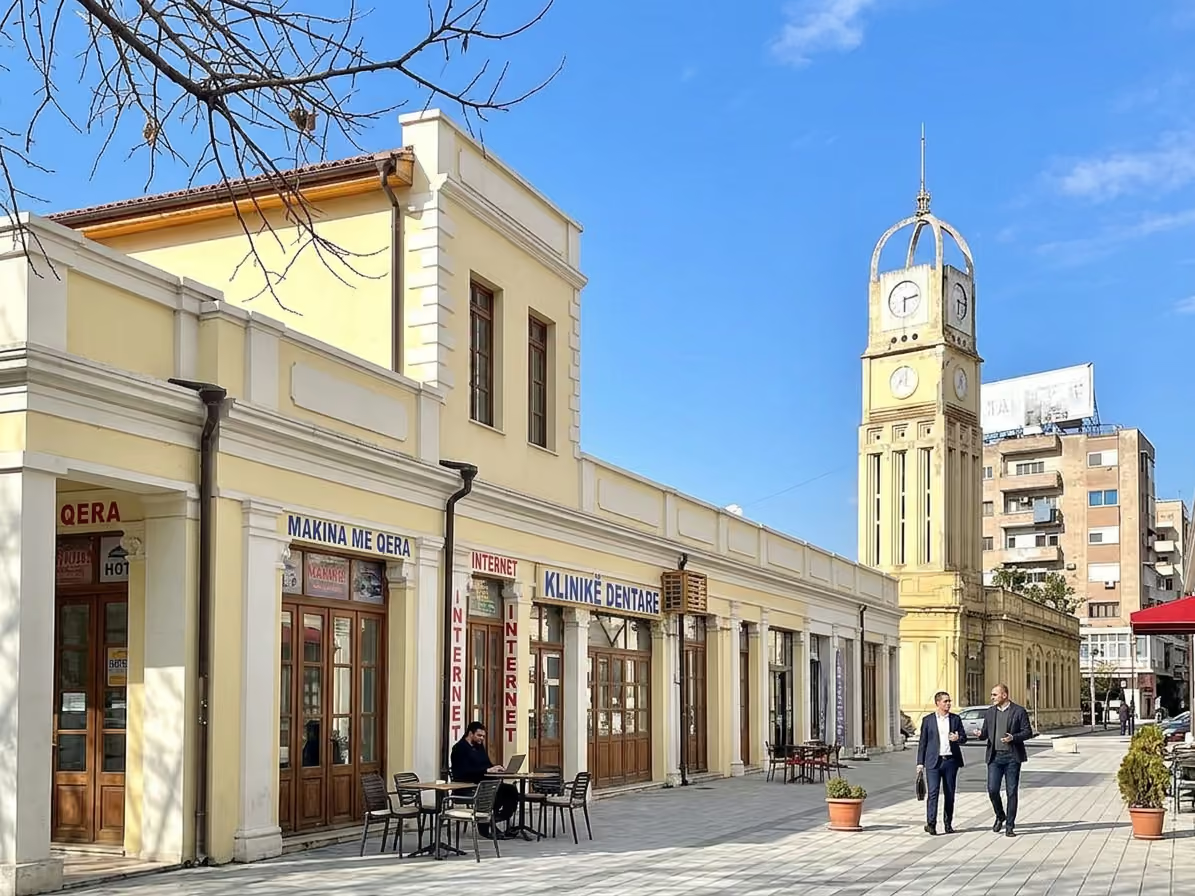
Your neighborhood matters too. Skela is practical for year round living, errands, and access to cafes. Lungomare is great for views and meetings, but it gets busy in summer. Uji i Ftohtë has many rentals and sea access, yet some buildings vary in internet quality. The Old Town area is pleasant for lighter laptop work, but check noise and outlet access before planning long calls.
For serious work, test before you commit. Sit in the exact cafe at the exact time you plan to work. Run a video call test. Upload a file. Check VPN stability. Ask whether the WiFi password changes. Look for power outlets that do not sit in the middle of a walkway.
A good Vlorë routine is built street by street. It is not just “find good WiFi.” It is “my apartment near Skela works for calls before noon, this cafe near Lungomare works for writing, and my mobile hotspot saves me when the beach area gets crowded.”
A free VPN can work as a backup, but it is rarely ideal for full time work. PrivadoVPN offers a 10GB per month free tier, and Proton has a free plan with no data limit, but free plans usually have fewer servers or limits. If client work pays your bills, budget for a reputable paid plan.
Yes, if you do not control the router or the apartment had many past guests. Long term renters can ask to change the WiFi password and router admin password. If that is not possible, treat the apartment network like public WiFi.
Some speed loss is normal. The research provided cites around 5 percent for Proton VPN, 10 percent for Windscribe, and 12 percent for TunnelBear in Albania focused testing. Use WireGuard, a nearby server, and a strong WiFi signal before turning the VPN off.
It is worth it if your employer or client needs IP whitelisting, stable access, or fewer login alerts. It is not needed for every remote worker. Ask your IT contact before buying, since some companies require their own approved setup.
Follow Vlore Circle for fresh guides, local updates, and community notes around life in Vlorë. It is the easiest way to stay close to what we are building.



Be part of a growing community built around connection, local life, and a better experience of Vlorë.
join the circle